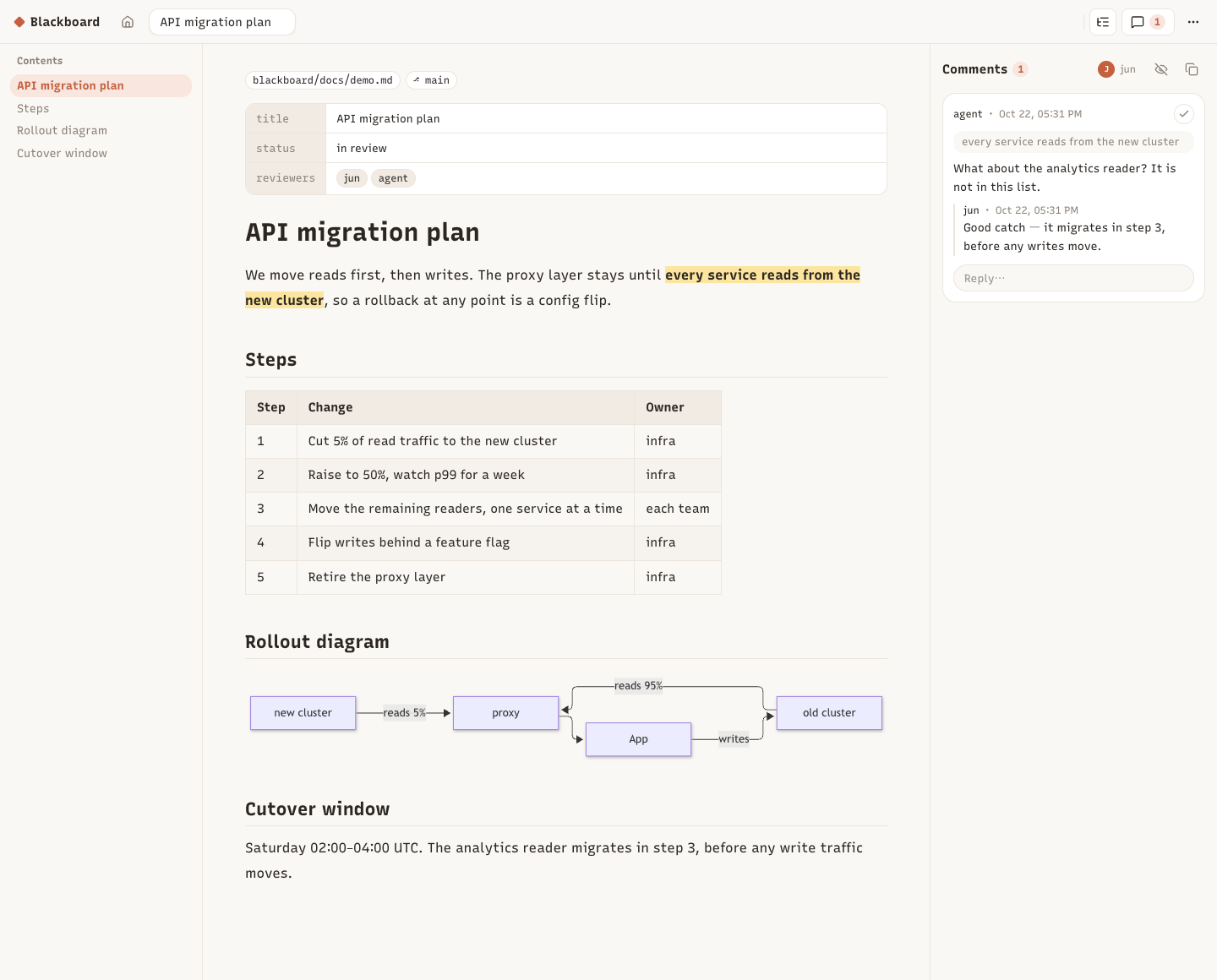
The doc view — select a passage, comment; the agent answers from its shell and the page updates live.
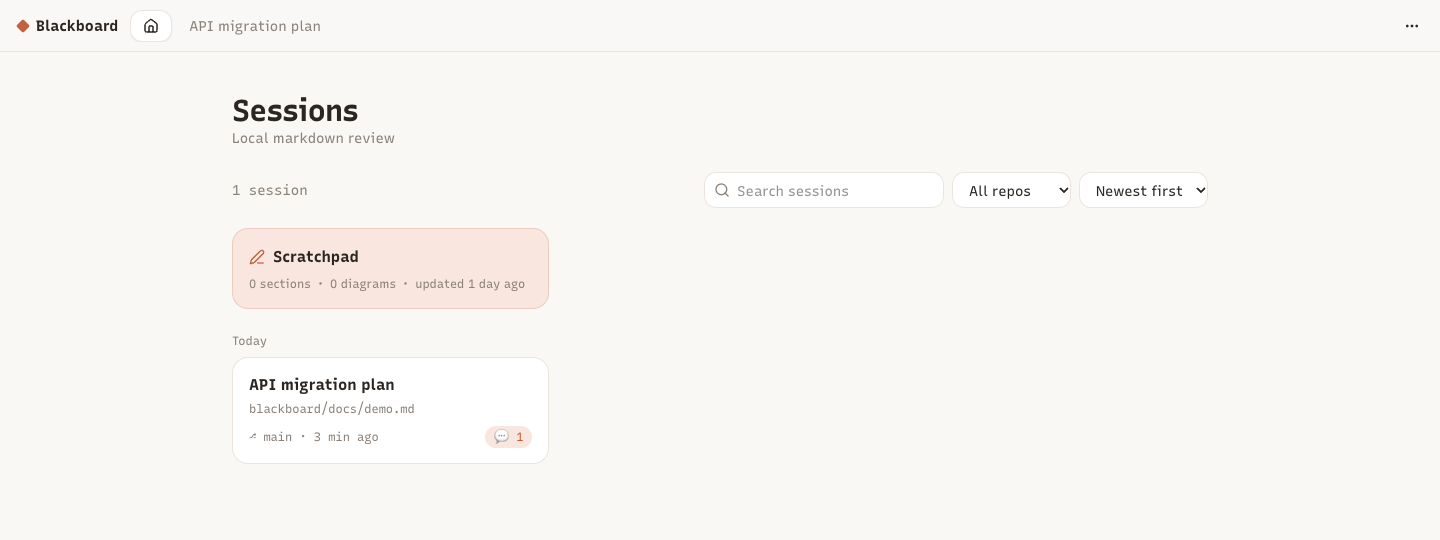
Home
Every session is one markdown file on disk — where it lives and which branch it is on, at a glance. Click a highlight in the app to focus its comment; click a comment to scroll to the passage.
What it does
Sessions — one markdown file anywhere on disk; the browser shows where it lives (repo, path, branch).
Comments on text — select a passage, write a note; flat replies, resolve and reopen.
Live view — the page refreshes when the file changes; highlights follow their passage.
CLI for agents — pi, Claude Code, Codex or any shell user reads and answers comments under a shared lock.
Markdown done right — GFM tables with sticky headers, heading anchors, TOC, front matter as a table.
Offline mermaid — diagrams render in the browser from the bundled library.
Local and safe — binds 127.0.0.1, serves only registered files, re-checks every request.
Copy open — copy the open comments as markdown to paste anywhere.
CLI for agents
blackboard open <file> [--no-browser] # prints "<id> <url>"blackboard sessions [--json] # id, title, location, branch, open commentsblackboard comments <session> [--all] [--json]
blackboard reply <session> <comment-id> "text"
blackboard resolve <session> <comment-id> # or: reopenblackboard comment <session> --quote "passage" "note"
blackboard wait <session> [--timeout 30m] # blocks until a human comments
The CLI edits files under ~/.blackboard under a lock shared with the web app, so it works whether or not the app is running; an open page shows its changes live.